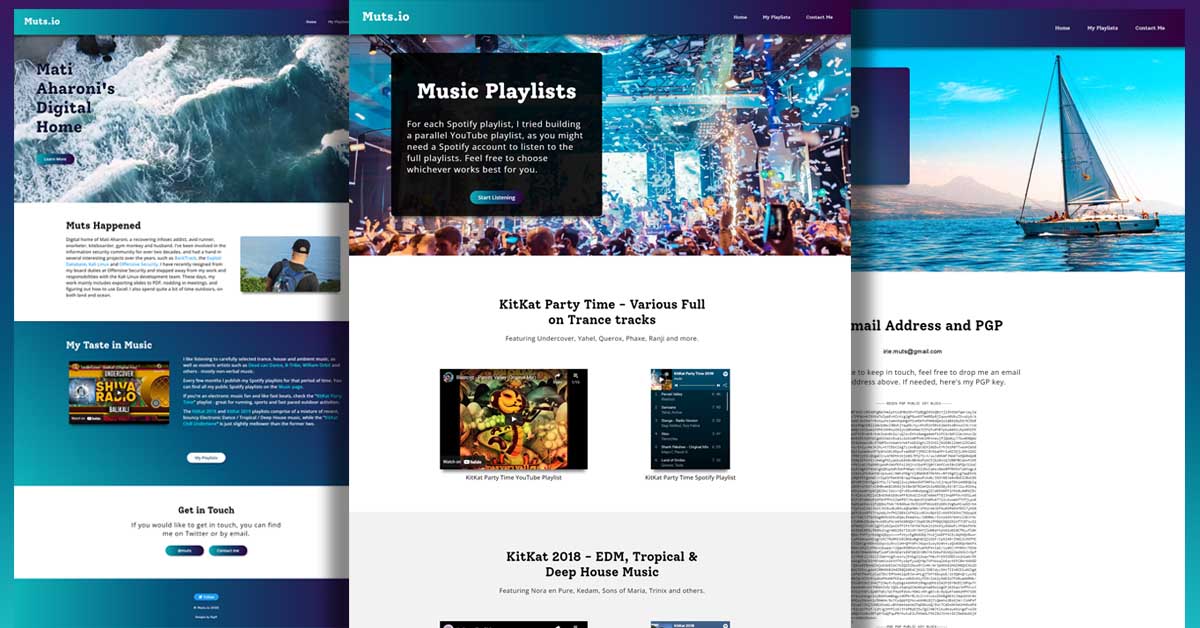
My name is Tom and I do web and graphic design. Here you will find a small sample of my recent works.
I'm proficient with HTML, CSS and WordPress, as well as Photoshop and Illustrator for print ready files and art creation for ads, social media, swag, etc. I can also help optimize your website for fundamental SEO issues with content and advise or apply fixes.
If you've watched the USA Network TV Show Mr Robot, then you may have seen my work on Elliot's desktop when he uses Kali Linux, which featured the Kali Linux logo and wallpapers that I created.

Web and Graphic Design for Offensive Security
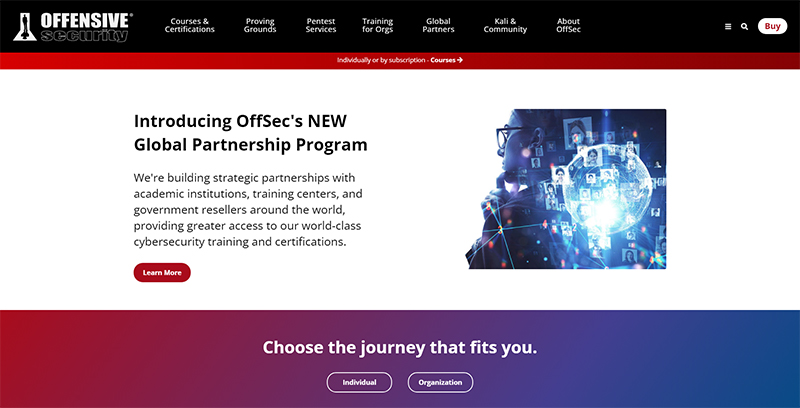
2008-2022
Combined multiple image assets based on
Content Developers concept for his blog post
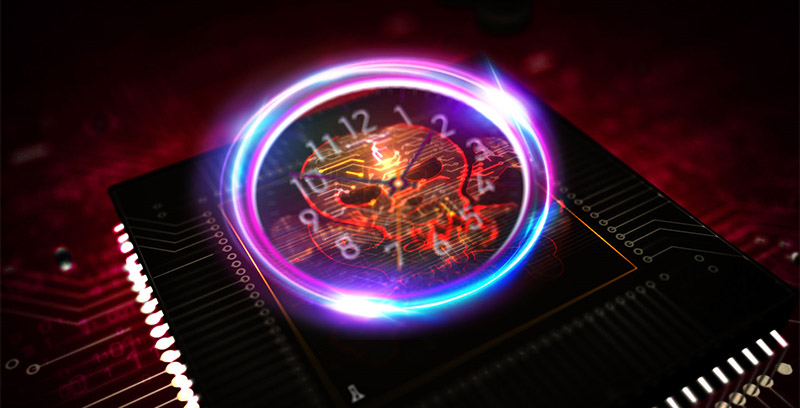
And just about every OffSec blog post image from 2008-2022 (as well as Kali.org)
Combined multiple images using OffSec Course Icons
and stock images for compelling blog post imagery
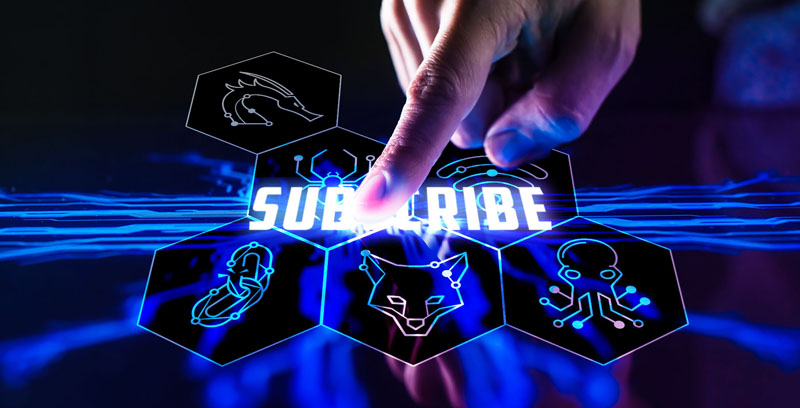
The Value of Subscriptions
Kali Linux logo, challenge coin
and tee designs
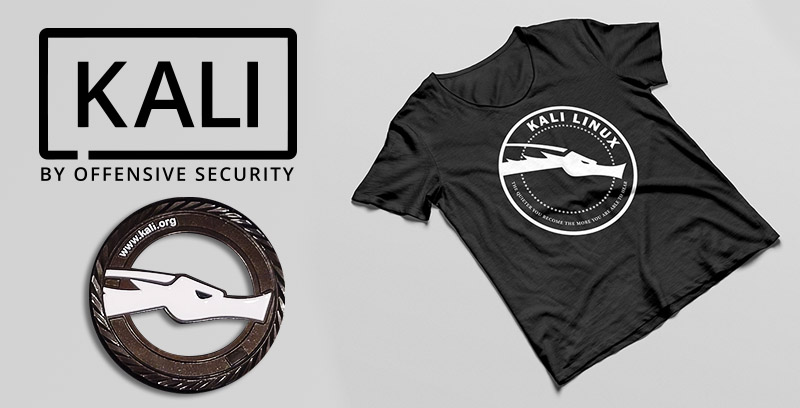
Kali Linux swag sample
As seen on the USA Network
TV show Mr. Robot
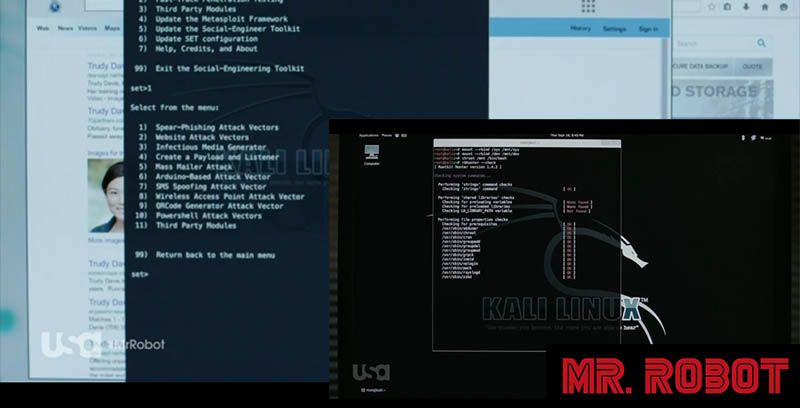
Kali Linux Wallpapers / Kali Linux Logo
As seen in the video game
Escape from Tarkov
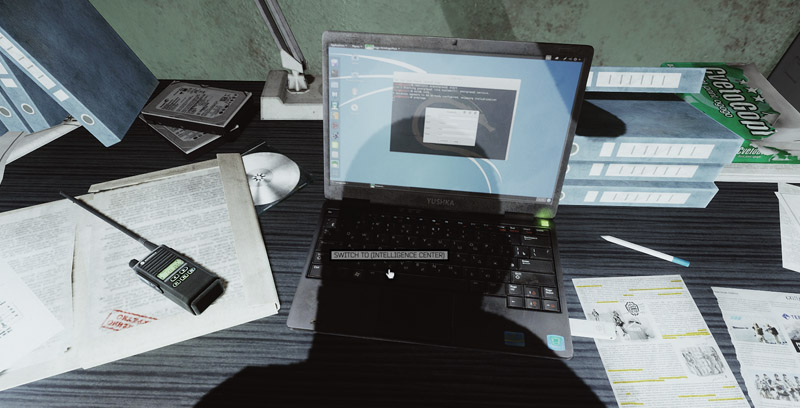
Kali Linux Wallpaper in hideout laptop
OffSec Advanced Web Attacks and Exploitation
course promo

Social media images
Adversarial Mindset social
media post
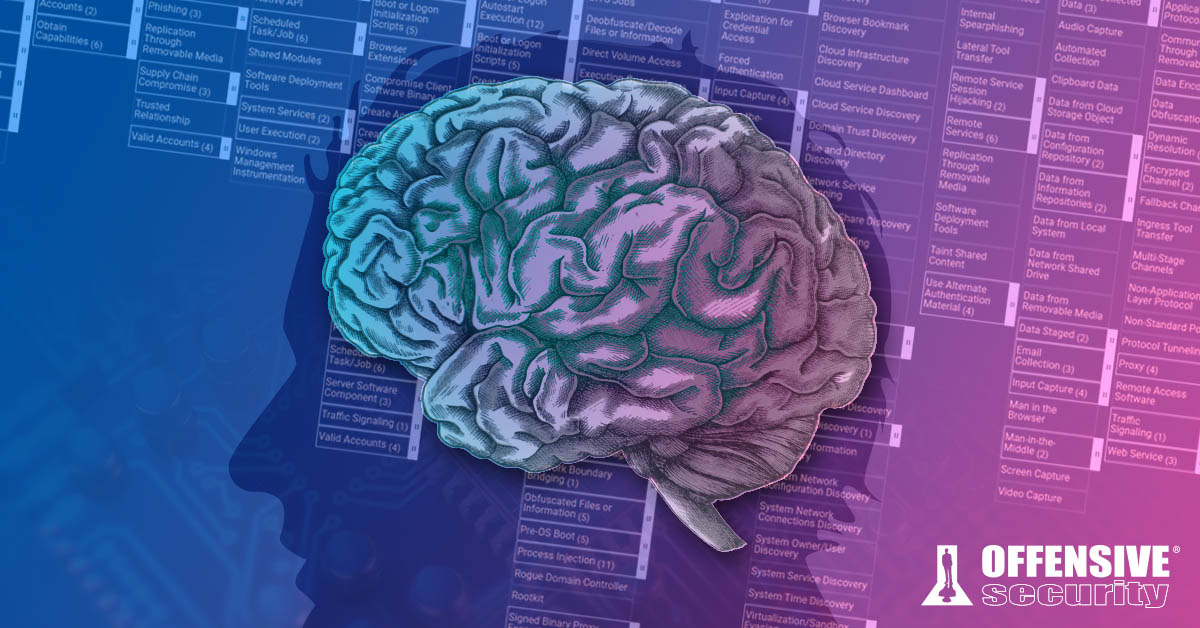
Social media images
OffSec Twitch promo
for Instagram

Social media images
OffSec Twitch promo
for Instagram
Social media images
OffSec macOS EXP-312 course
promo for Instagram
Social media images
Kali Linux Revealed:
Mastering the Penetration Testing Distribution
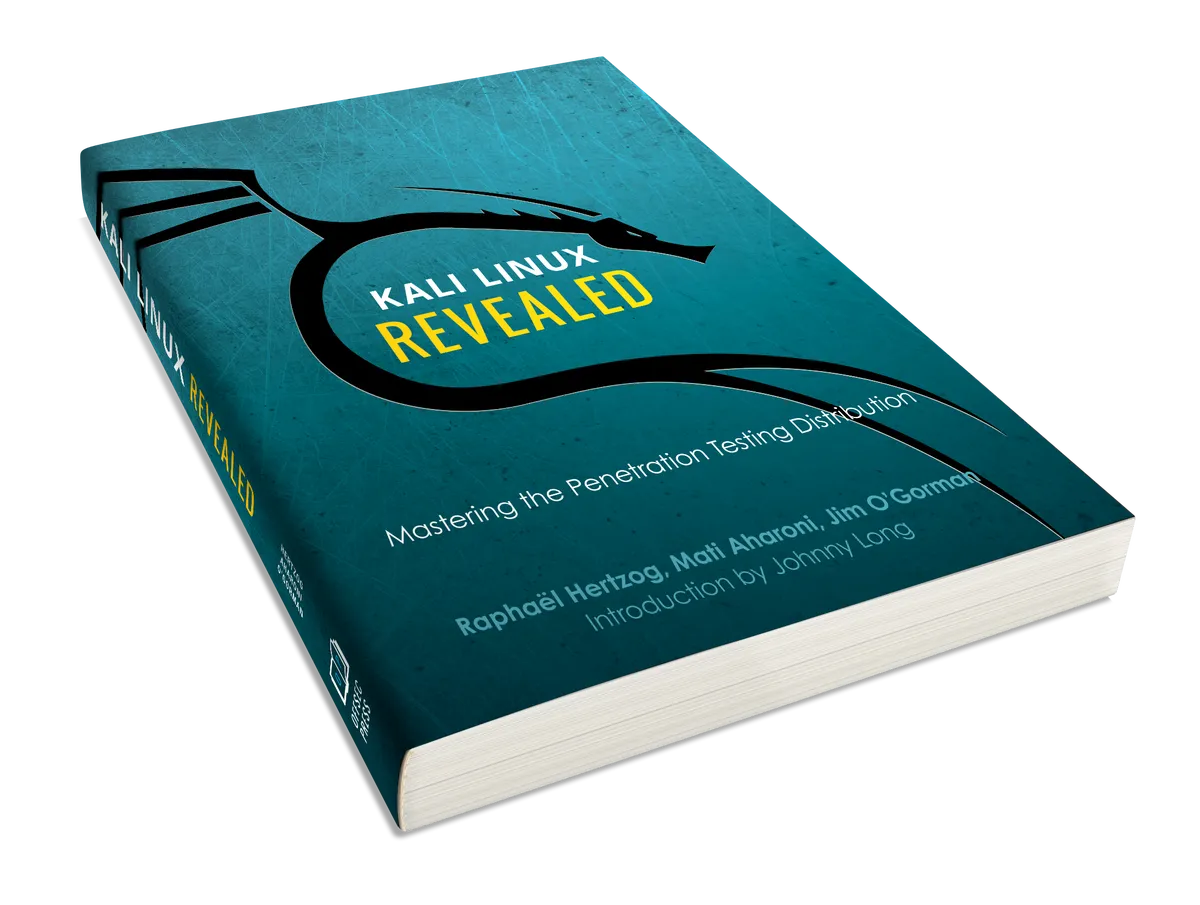
OffSec Press book cover
(Paperback — January 1, 2017)